
Being a student today is more than just sitting in classrooms and reading textbooks. With the right free software tools, you can:
-
Take smarter notes
-
Stay more organized
-
Improve your studies
-
Save time
-
And even make learning fun!
In this blog, we’ll look at five must-have free tools for students that are simple to use, beginner-friendly, and perfect for daily study life.
Table of Contents
Toggle1. Notion – The All-in-One Student Planner
👉 Best for notes, to-do lists, and organizing your study life
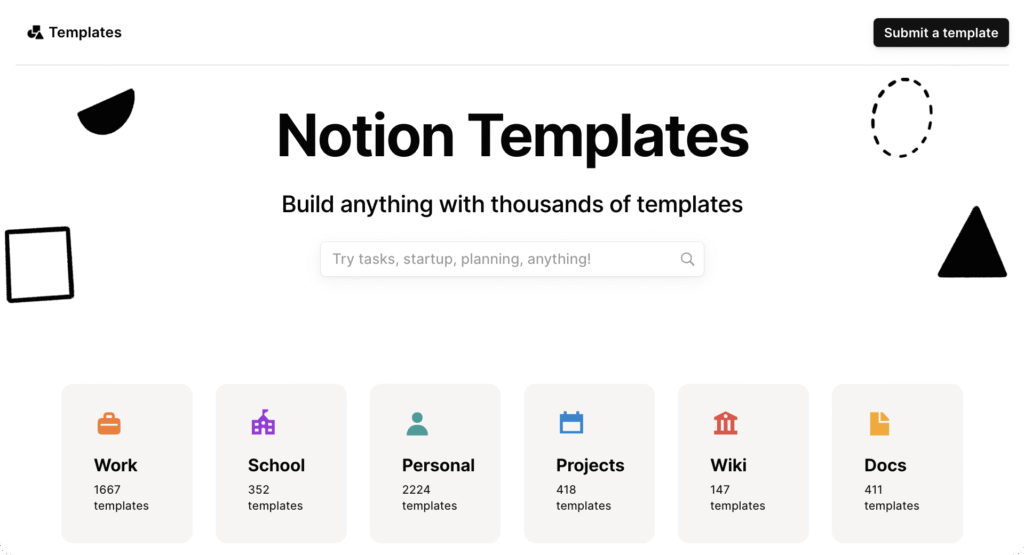
Notion is like your digital student diary. You can create pages for each subject, write notes, make to-do lists, and even track assignments.
🎓 Why students love it:
-
No more messy notebooks
-
Easy to track deadlines
-
Works on phone and laptop
📝Example : { Make a page called “Semester 1” and inside, add notes for each subject, assignment deadlines, and even a revision tracker.}
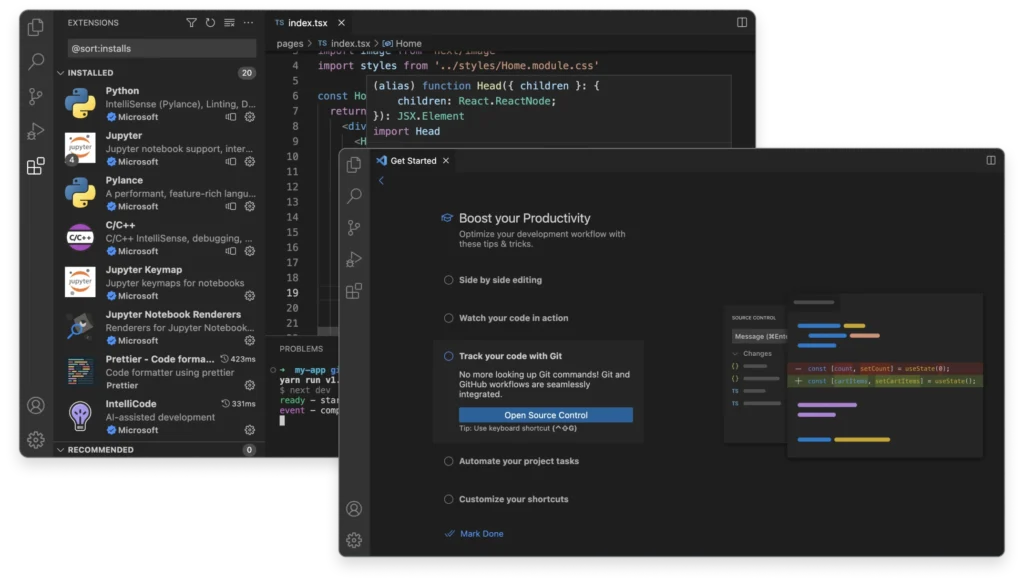
👉 Visual Studio Code (VS Code) is a free, lightweight, and powerful source code editor developed by Microsoft that runs on Windows, macOS, and Linux. It supports many programming languages with built-in features like intelligent code completion, debugging, and Git version control.
- If you’re learning coding in school or college, VS Code is a lifesaver.
- It’s a free app where you can write and run code without feeling lost.
🎓 Why you’ll love it:
-
Beginner-friendly (perfect if you’re just starting)
-
Tons of free extensions to make coding easier
-
Helps you actually enjoy coding instead of pulling your hair out
📝Example : {You’re writing a Python program and mess up the brackets (we’ve all been there 😅). VS Code highlights the mistake instantly so you can fix it.}
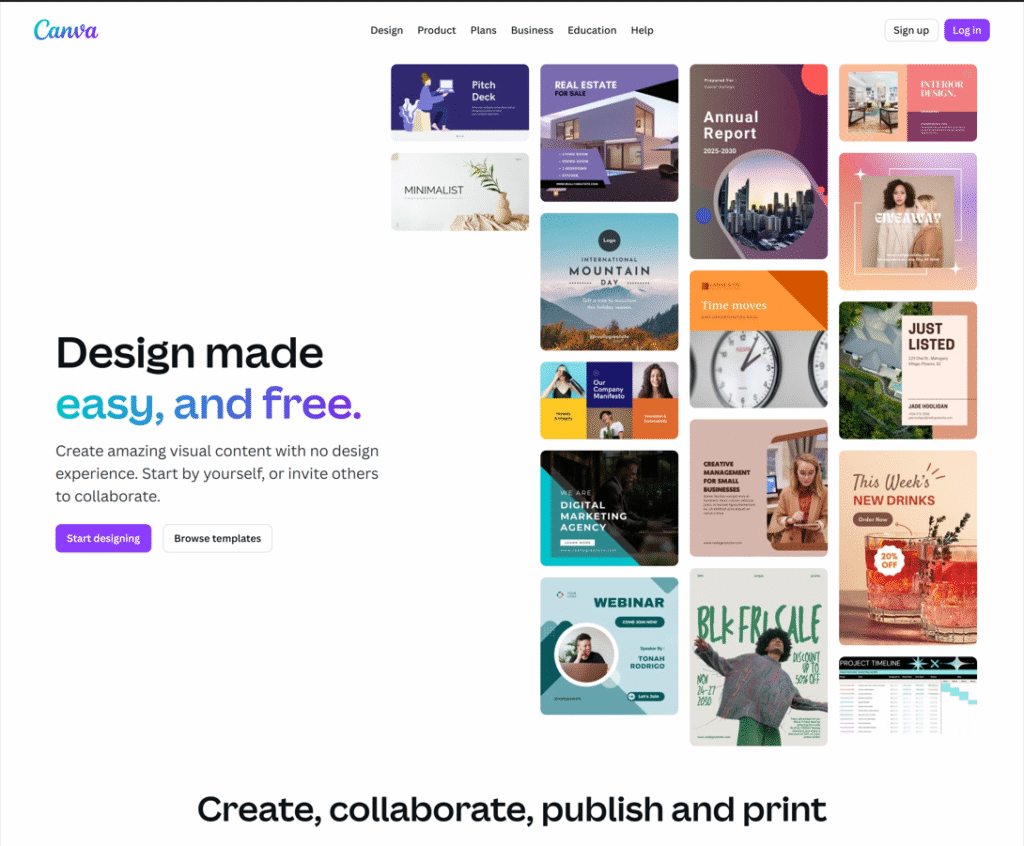
👉 Canva is popular because it offers an easy-to-use, budget-friendly, and versatile platform for creating visual content like presentations, social media graphics, videos, and websites.
🎓 Why students love it:
-
Saves time
-
Professional-looking projects
-
Free templates for almost everything
📝Example : {You can take a ready-made “Science Project Template” and just add your content. Done in minutes.}
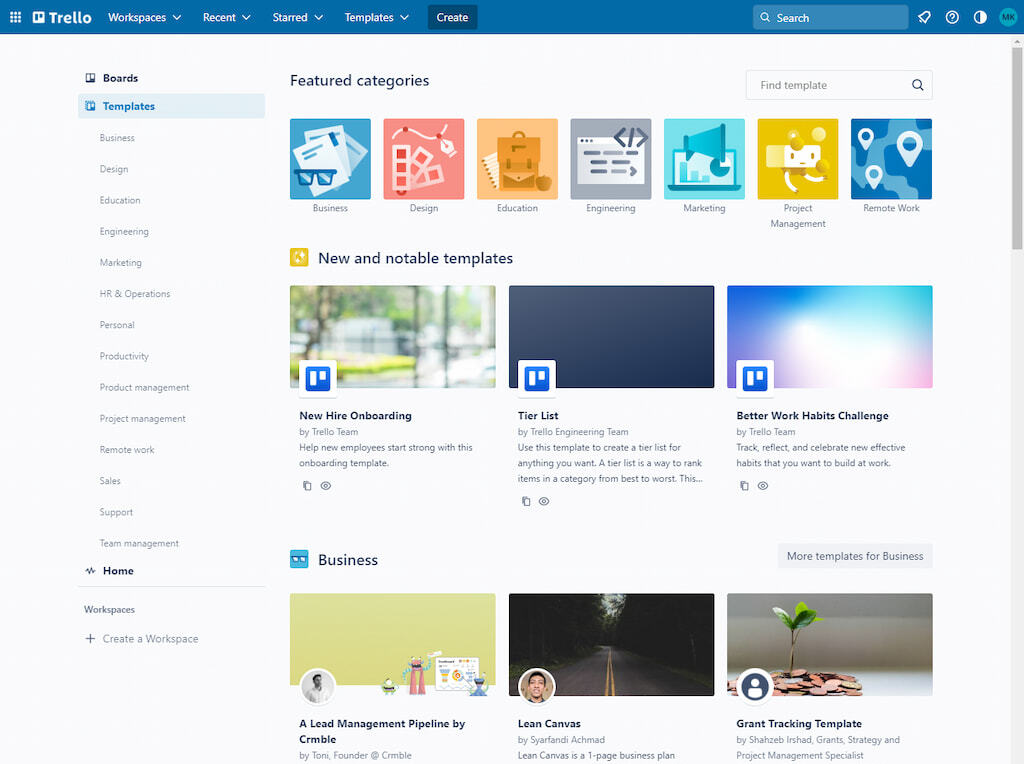
👉 Trello is used for organizing projects and tasks in a visual, collaborative way, utilizing a Kanban-style system of boards, lists, and cards to track progress and manage workflows for individuals and teams of all sizes.
🎓 Why you’ll love it:
-
Simple, visual way to track tasks
-
Works great for solo study or group projects
-
Helps you actually finish tasks (bye-bye procrastination ✌️)
📝Example : {Create a board called “Final Exams”. Add cards like “Math Revision,” “English Notes,” “Submit Chemistry File.” Move them from To-Do → Doing → Done.}
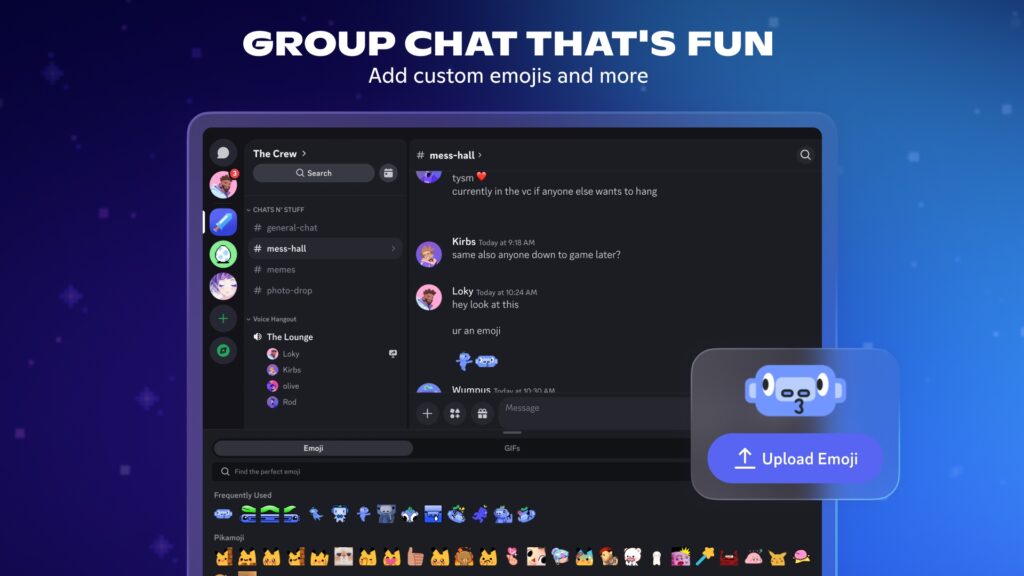
👉 You should use Discord to connect with friends, join interest-based communities, and participate in voice, video, and text chats, especially for gaming, learning, or hobbies, because it offers a customizable, community-focused experience with strong moderation tools and is free to use on multiple platforms
🎓
Why you’ll love it:
-
Makes studying social and fun
-
Easy to share notes and files
-
Free voice/video chat with your study gang
It’s basically the modern version of a library group study session, but online.
📝Example : {Your class creates a “History Exam Group.” You hop in, share notes, ask doubts, and even do late-night study calls with friends.}
✅ Final Thoughts
So, here’s the deal — student life doesn’t have to feel like constant chaos.
With tools like Notion, VS Code, Canva, Trello, and Discord, you can:
✔️ Stay organized
✔️ Work smarter (not harder)
✔️ Enjoy studying a little more
And the best part? They’re all free! 🎉
💡 My tip: Don’t try all of them at once. Pick one that solves your biggest struggle (like notes or deadlines), use it for a week, and see how it changes your study life.